

⚖️Disclosure: Smart Living HQ is a participant in the Amazon Services LLC Associates Program, an affiliate advertising program. If you buy something through a link on this page we may earn a small commission, at no extra cost to you. It never changes which timer we recommend — and the thing we tell you to stop using is free.
The Pomodoro Technique is simple: work for 25 minutes, break for 5, and repeat. It works because a fixed block of time gives your attention a finish line. But most people run it on the one device most likely to break that attention: their phone.
To start a phone timer, you pick up the phone, unlock it, and look at the screen. That’s also where the notifications are waiting. A physical timer removes that step entirely, and that’s the whole argument for spending money on one.
Every step is a chance to get pulled away
Count what happens between “I’ll start a Pomodoro” and actually working. On a phone, you pick it up, unlock it, glance past whatever’s on the lock screen, open the timer app, set it and put the phone down. That’s five or six moments where something else can grab you. And once the timer is running, the phone sits on your desk lighting up with every new message.
Unlock, glance, open, set, put down, and then it lights up again. A dedicated timer turns all of that into a single motion with nothing to scroll.
A dedicated timer turns all of that into one motion. You press a button, flip a cube or twist a dial, and you’re working. Nothing on it can notify you about anything.
Amazon pricing moves constantly, so check the current figure on each listing.
The timers worth buying
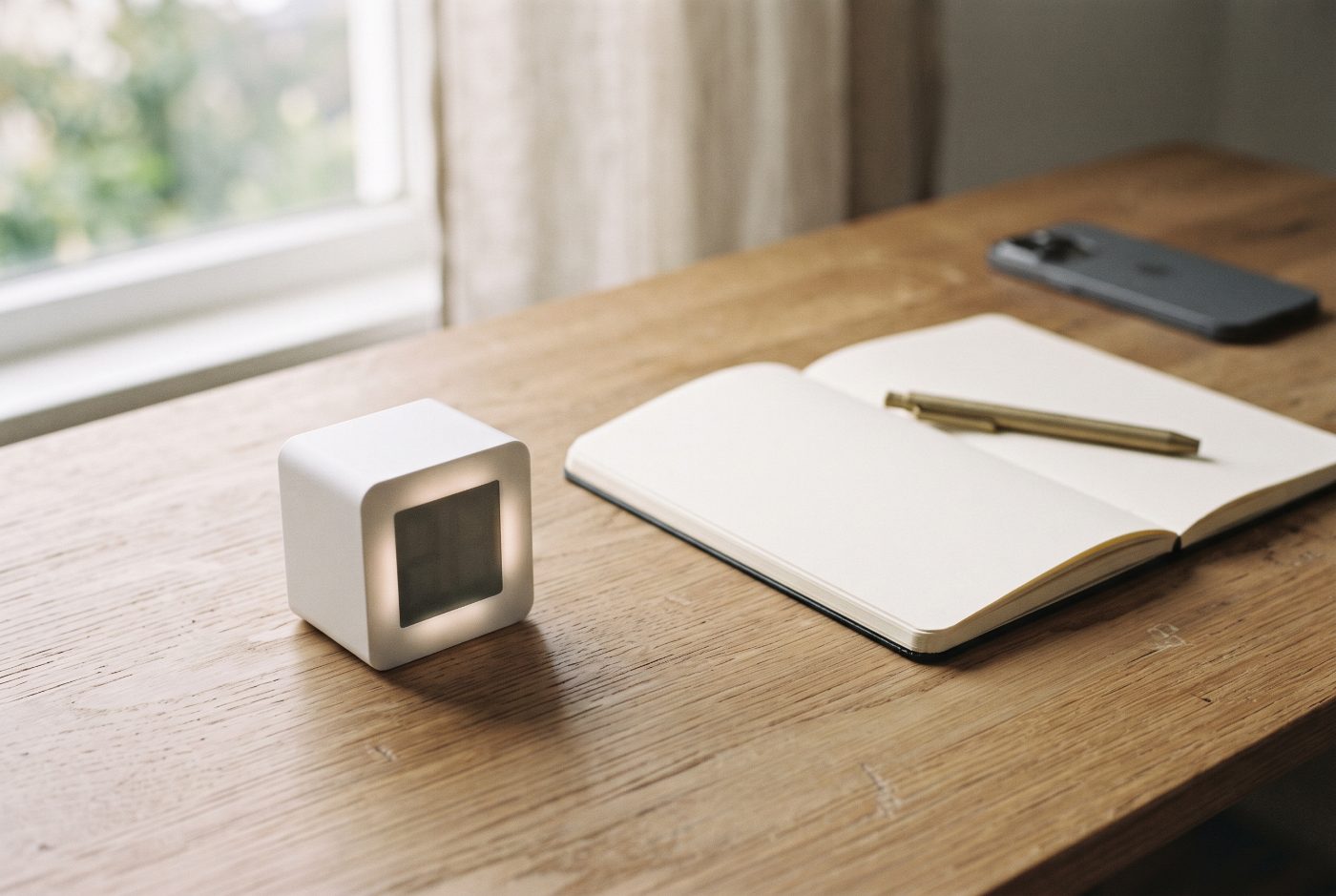
Ticktime Pomodoro Timer Cube
Our pick · built for PomodoroThis cube is built specifically for Pomodoro. Its headline feature is a built-in 25/5 mode that runs four full work-and-break cycles automatically, so you never have to reset it between rounds. For quick tasks, you just flip it: each face starts a short 3, 5, 10 or 15-minute countdown with no buttons at all.
- Right for
- Anyone who wants the classic Pomodoro rhythm with zero setup. Start the cycle once and there are no decisions after that.
- Skip it if
- You work in a shared office or library where any alarm is too loud. Check the volume settings before relying on it around others.
- The drawback
- You can’t see how much time is left at a glance across the room the way you can with a visual timer. You have to look at its small display.
Time Timer MOD (60-Minute Visual Timer)
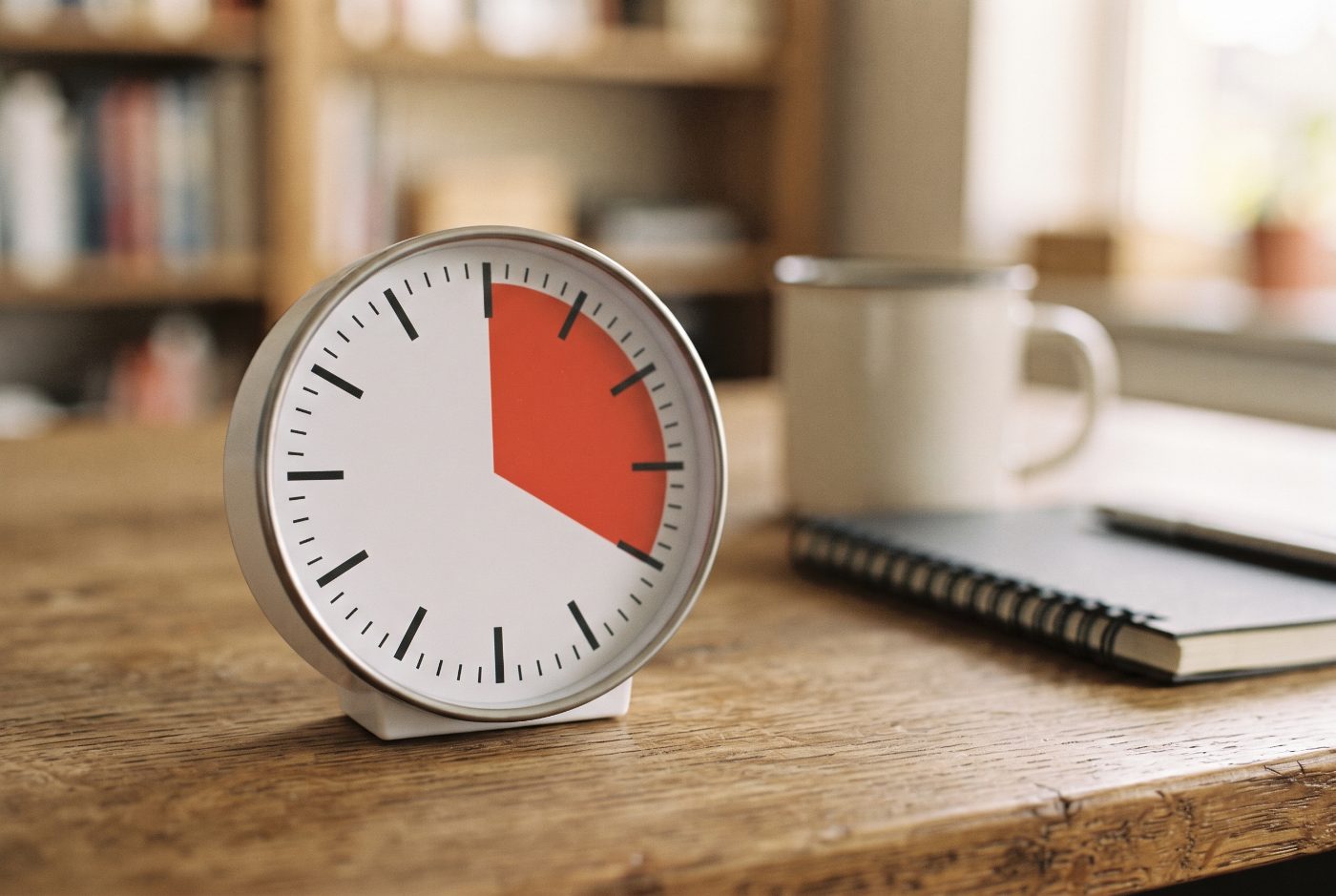
Best visual timer for a deskTime Timer made the colored-disc countdown famous. As time passes, a red disc shrinks, so you can see how much of your session remains from across the room without reading a number. The MOD is the compact version, and it runs silently, with no ticking, which matters when you’re concentrating.
- Right for
- Visual thinkers, and anyone whose focus gets broken by checking the clock. You can see the remaining time from the corner of your eye without breaking concentration.
- Skip it if
- You want automatic cycles. You’ll have to reset it by hand for each work block and each break.
- The drawback
- It’s a single timer with no built-in Pomodoro sequence. You manage the rhythm yourself.
Secura 60-Minute Visual Countdown Timer
Best for standing desks and big roomsThis is the larger-format visual timer, with a 7.5-inch face that’s easy to read from anywhere in a room. It uses the same shrinking-color idea as the Time Timer at a size built for classrooms.
- Right for
- Standing desks, workshops, kitchens or any space where you move around and still want to see the clock.
- Skip it if
- Your desk is small. It takes up noticeably more room than the cube or the MOD.
- The drawback
- It’s bulky, and like the MOD, you’ll reset it by hand for each round.
The one to skip
Your phone’s built-in timer
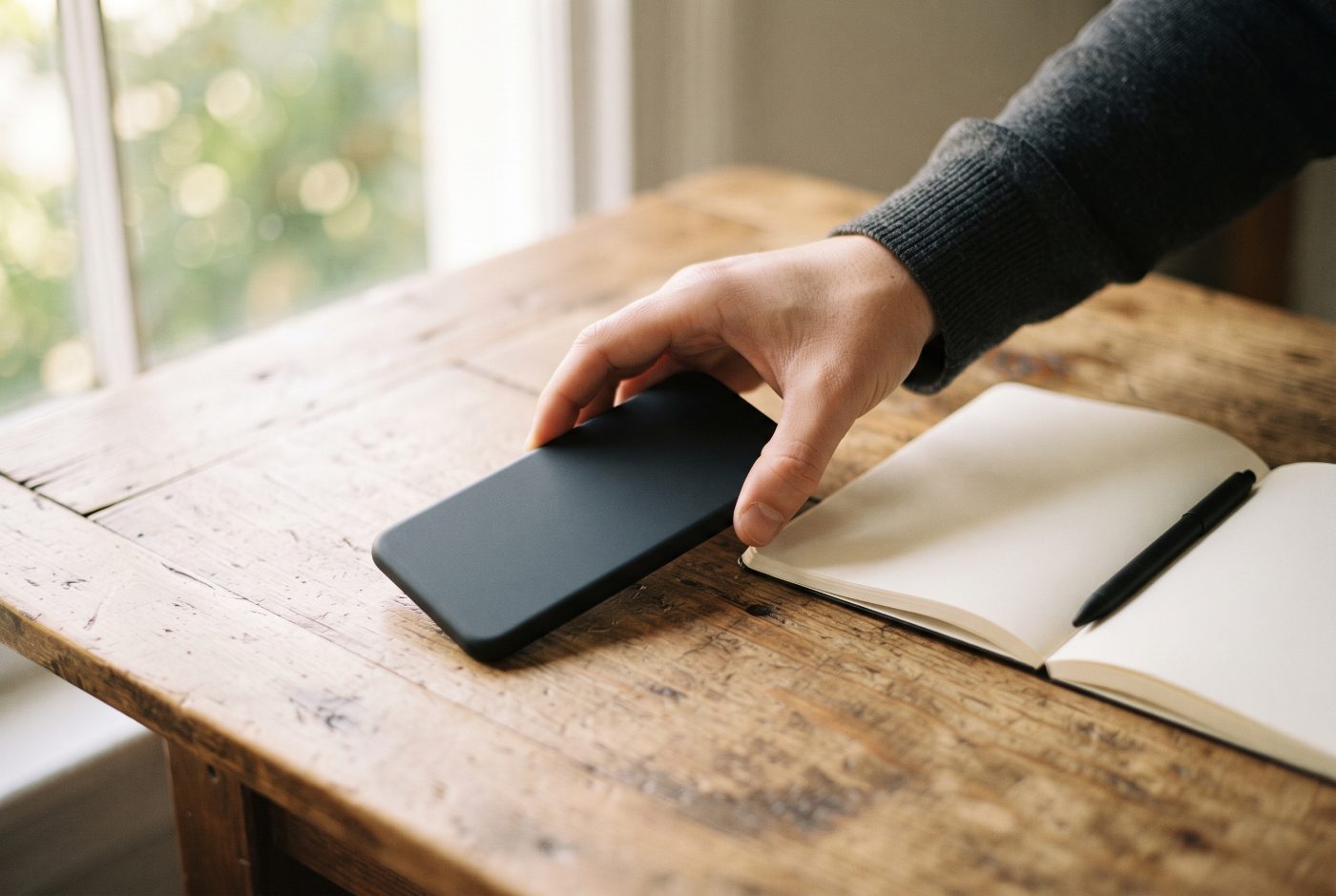
Skip itIt’s free and it’s always in your pocket, which is exactly the problem. Setting it means unlocking the device that’s full of everything else you could be doing, and it sits on your desk the whole session, lighting up.
- Right for
- Timing pasta, not deep work.
- Skip it if
- The reason you want to try Pomodoro is that you get distracted. The phone is usually the distraction.
- The drawback
- The timer works fine. It’s everything else on the phone that breaks your focus. If you must use it, turn on do-not-disturb and put it face down, out of reach.
What most people get wrong
They treat the break as optional. The 5-minute break is part of the method, not a reward you can skip when things are going well. Skipping breaks tends to make the next block harder to start.
The other mistake is spending the break on the phone. Scrolling during a break makes it harder to get back into the work. Stand up, refill your water or look out a window, and then flip the timer again.
Here’s what I’d pick
The Ticktime Pomodoro Timer Cube is the one to start with. The automatic 25/5 cycles mean you set it once and it keeps you on rhythm for the next two hours, with nothing to unlock and nothing to scroll.
If watching time shrink helps you stay on task, the Time Timer MOD is a great second timer for the desk, and the big Secura is the pick for standing desks and workshops.